Fed up with slow trading charts?
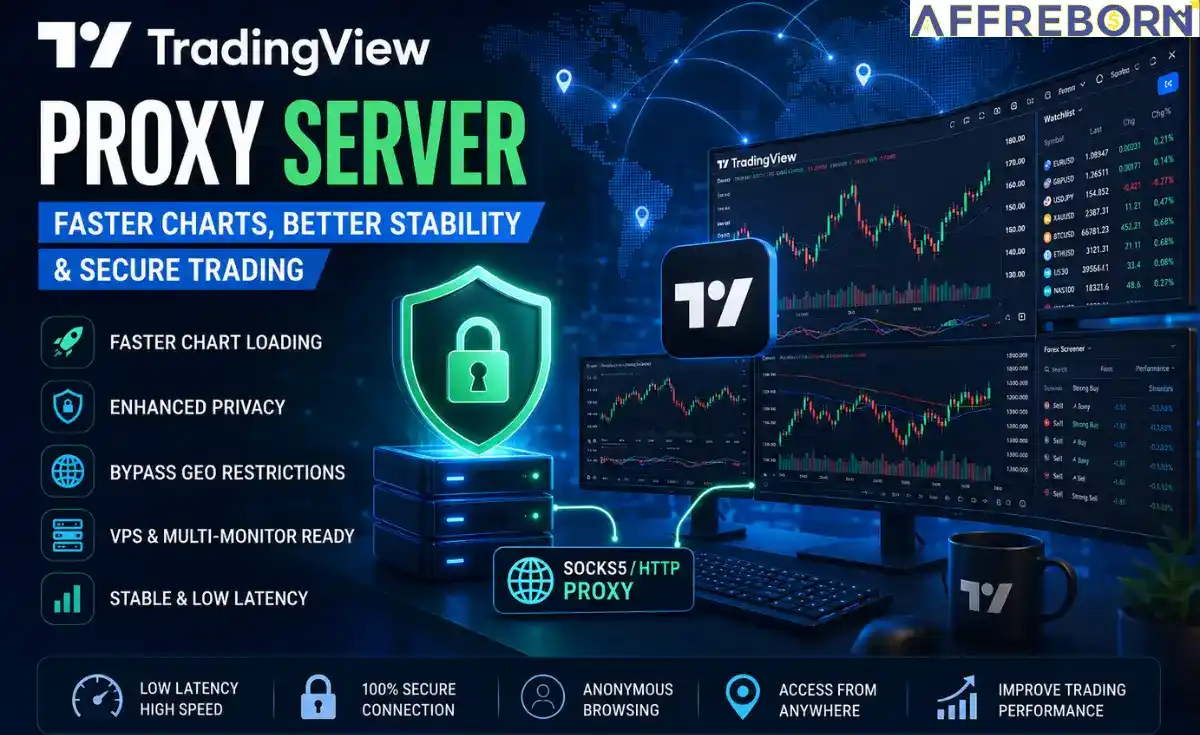
Not anymore, TradingView proxy servers can help you access trading charts and get rid of bots and slow connections.
A TradingView proxy routes your internet connection through a dedicated proxy server, improving privacy, accessibility, and bypassing bots.
Setting up a TradingView proxy could be daunting, but my TradingView Proxy Server Free Guide will help you set up proxies easily.
Table of Contents
Why Use a Proxy For TradingView?
TradingView is the best chart display platform for forex, crypto, Stocks, ETFs, Bonds, etc. However, many traders experience issues like:
- Slow chart loading,
- Geo restrictions,
- ISP throttling,
- Delayed alerts,
- VPS connectivity issues.
Using a TradingView proxy server can help improve overall platform stability and accessibility.
Forex traders leverage TradingView proxies for:
- Real-time forex chart analysis,
- Multi-monitor trading setups,
- Running TradingView on VPS servers,
- Managing multiple workspaces,
- Improving privacy during trading sessions,
- Accessing TradingView from restricted regions.
Best Forex Proxies for TradingView
Here are some of the best forex proxy providers for TradingView and forex trading.
| Logo | Proxy Provider | SOCKS5 | Starting Price | Advantage |
|---|---|---|---|---|
 | Bright Data | ✅ | $2.5/GB | 100% compliant and ethically sourced. |
 | Oxylabs | ✅ | $4/GB | Fast response time, < 400ms. |
 | SOAX | ✅ | $0.32/GB | 0.55s proxy response time. |
 | IPRoyal | ✅ | $1.75/GB | Built-in 2-factor authentication Security. |
 | Decodo | ✅ | $2.75/GB | AI-Ready Proxy & Scraping Solutions. |
 | Proxy-Seller | ✅ | $3.5/GB | Up to 1 Gbps speed. |
 | Webshare | ✅ | $3.50/mo | 10 free proxies. |
 | Rayobyte | ✅ | $0.90/GB | Sticky and rotating sessions. |
 | PacketStream | ✅ | $1/GB | Developer-Friendly Integration. |
 | NetNut | ✅ | $3.53/GB | HTTPS & SOCKS protocol. |
How to Set Up a Proxy on TradingView?
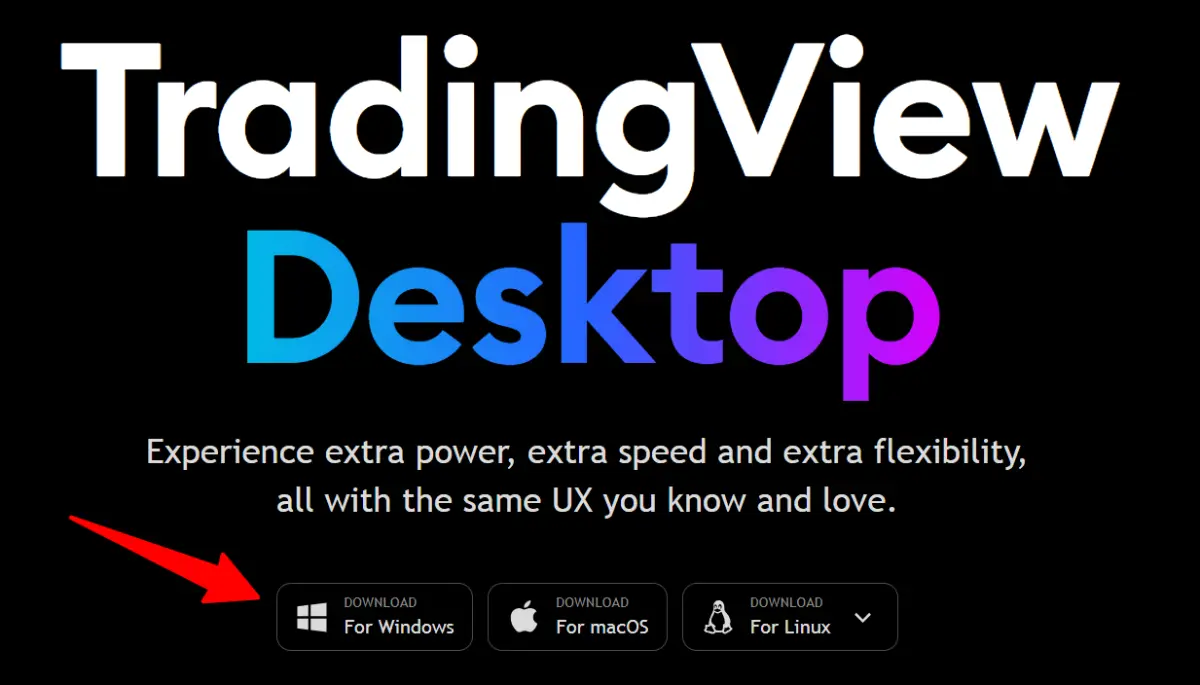
➡️ Step 1: Download and install the TradingView Desktop application for Windows, macOS, or Linux. Or, you can first sign up using your email address.
➡️ Step 2: Launch TradingView, open settings by clicking the three-dot menu, and click on the Network option.
➡️ Step 3: Enable Proxy Server by choosing either HTTP or SOCKS5.
➡️ Step 4: Enter Proxy Details as given below. The proxy provider provides all this information.
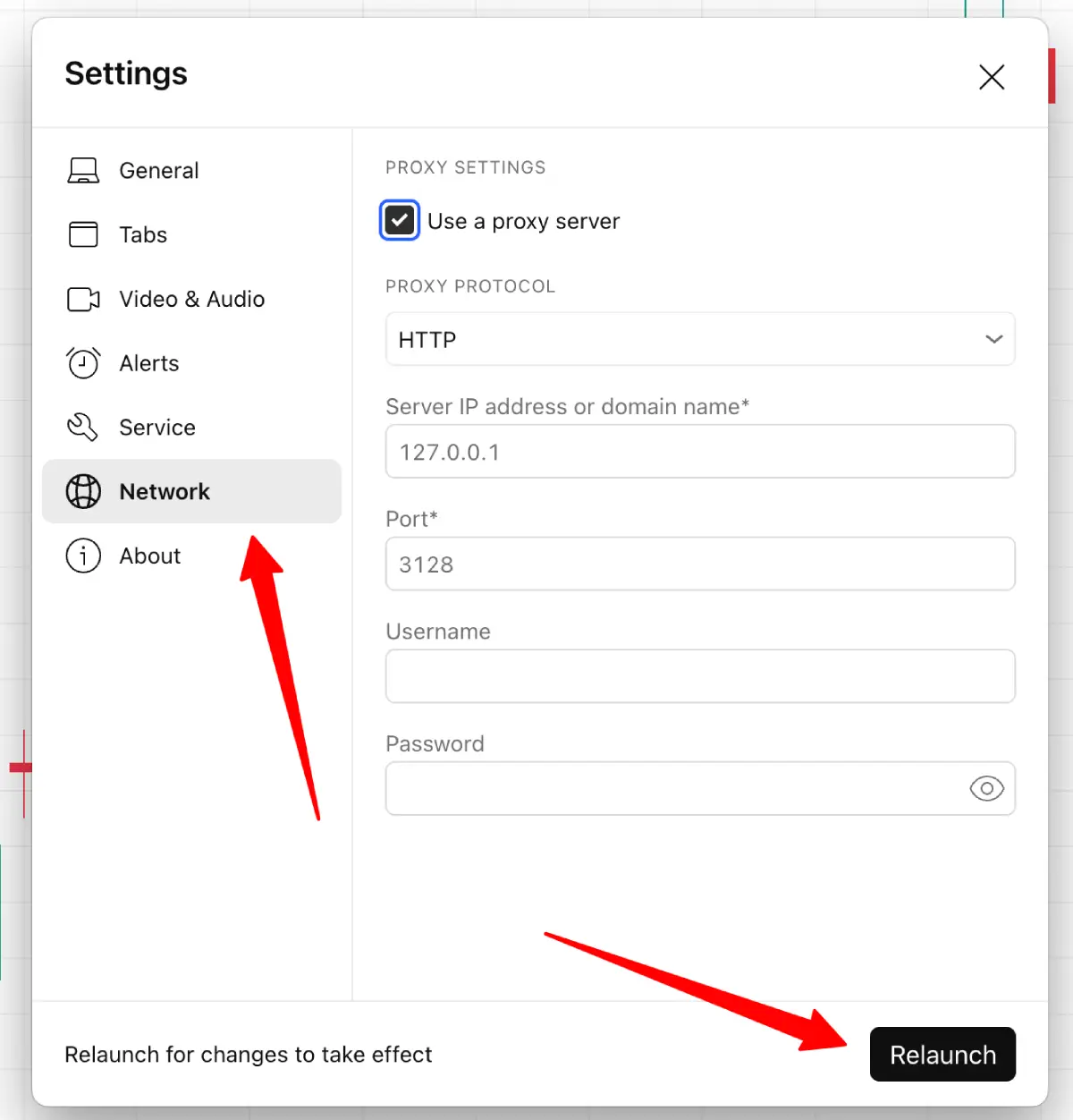
- Proxy IP address,
- Port,
- Username,
- Password.
➡️ Step 5: Click on the Relaunch button to relaunch the TradingView desktop app for the changes to be applied.
TradingView Proxy Settings Explained
TradingView Desktop officially supports HTTP and SOCKS5 proxy configuration.
Most forex traders prefer SOCKS5 proxies because they offer lower latency, faster transaction speed, stable connections, and seamless compatibility with trading platforms.
TradingView Proxy Server Free vs Paid
While free Forex proxies may work temporarily, paid Forex proxies are usually better for serious trading.
| Features | Free Proxy | Paid Forex Proxy |
|---|---|---|
| Speed | Slow | Fast |
| Stability | Unstable | Reliable |
| Security | High risk | Anonymous |
| Latency | High | Low |
| VPS compatibility | Limited | Seamless |
Common TradingView Proxy Issues
Cannot connect
Possible causes of not connecting could be:
- Incorrect proxy IP,
- Firewall restrictions,
- Wrong port configuration.
Slow Charts
Try:
- Switching to the SOCKS5 protocol instead of HTTP.
- Using a premium proxy provider.
- Clear the cache and restart the TradingView Desktop application.
Ad Blocker Warning
Sometimes VPNs and filtered proxies may trigger ad blocker warnings.
TradingView Desktop vs Browser for Forex Proxies
| Features | Desktop App | Browser Version |
|---|---|---|
| Built-in proxy support | Yes | Browser dependent |
| Performance | Better | Moderate |
| Multi-monitor support | Excellent | Limited |
| Network management | Easier | Complicated |
TradingView Desktop is generally better for traders using forex proxies, and I can sense that after viewing it personally.
Conclusion
I hope my TradingView proxy server free guide was helpful. I tried to cover as many details as I could. It is always recommended to buy ethically sourced proxies from reputable proxy providers.
SOCKS5 proxies for TradingView deliver high stability, fast chart loading speed, and privacy.
FAQs | Best TradingView Proxy Server
Does TradingView support proxies?
Yes. TradingView Desktop supports HTTP and SOCKS5 proxy protocols along with IP and Port configuration.
Which proxy is best for TradingView?
SOCKS5 proxies are best because they offer lower latency and uninterrupted connectivity.
Can I get proxies for Forex?
Yes, Forex proxies like Proxy-Seller provide a fast, ethical, and reliable pool of residential IPs.
Is Using a Proxy on TradingView Safe?
If you use ethical IPs from reputable proxy providers, then you are on the safe side. Using free TradingView proxies can be unsafe.
What’s the best alternative to TradingView?
TrendSpider, GoCharting, and NinjaTrader are the best alternatives to TradingView.